
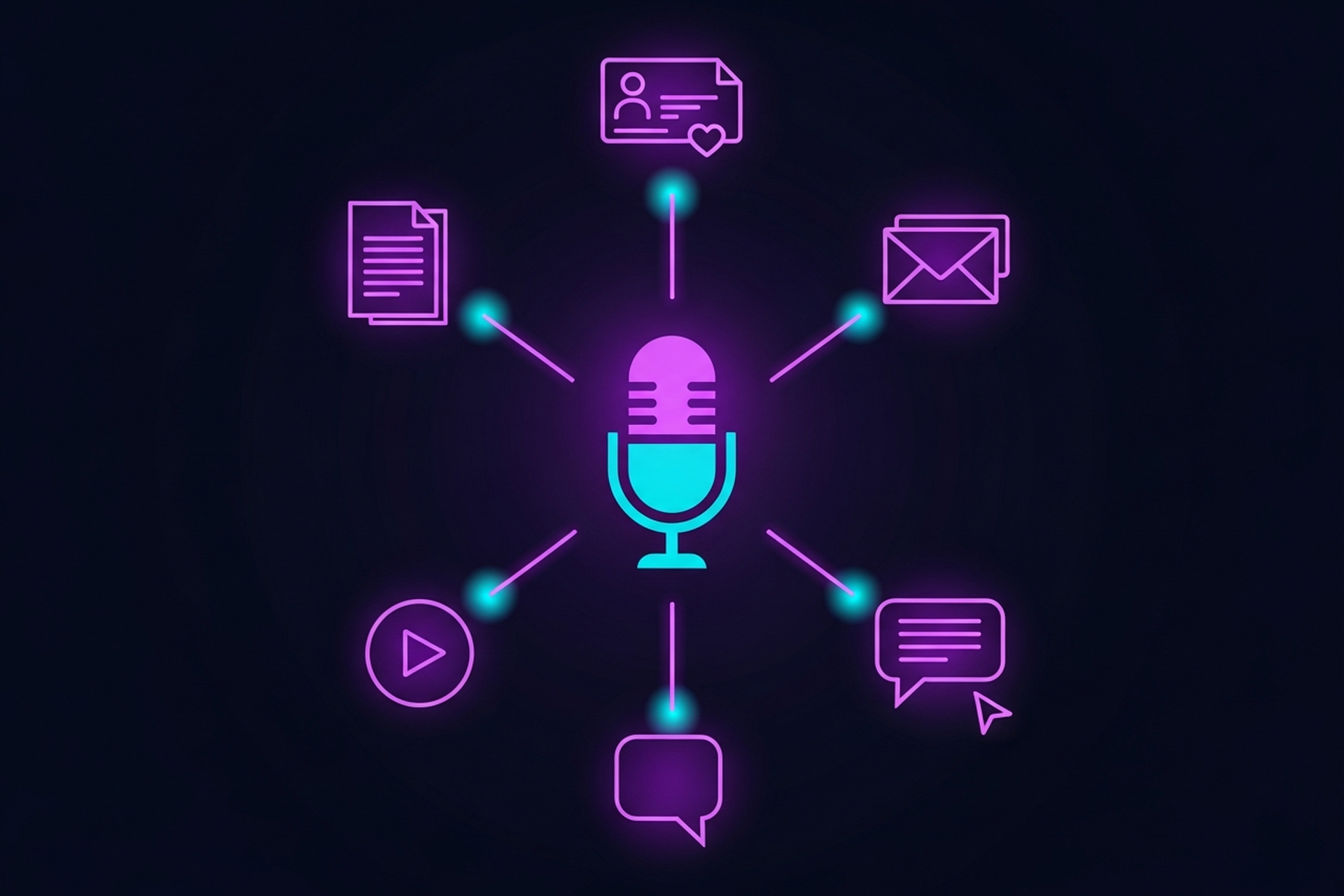
Your B2B podcast takes real time to produce. An hour of recording, editing, show notes, and distribution: most of that effort ends up inside a single audio file that half your audience never finds. AI content repurposing fixes that. It takes your episode and spins it into a full content ecosystem: blog posts, LinkedIn carousels, email newsletters, short video clips, and more, without doubling your team's workload.
This guide covers what AI-powered repurposing actually looks like, which tools do it best, how to build the workflow, and how to know if it's working.
B2B buyers consume content across multiple channels before they ever talk to sales. Your podcast is a credibility engine, but only if the ideas inside it reach people where they already spend time. That means LinkedIn, your blog, your email list, and yes, short-form video.
The math is simple: one well-produced episode contains enough insight for 8 to 12 distinct content pieces. Most teams produce maybe one or two, then move on. The gap between what's possible and what actually ships is where content repurposing pays off.
AI accelerates every step of that conversion. It transcribes faster, summarizes better, and generates first drafts that your team can edit rather than write from scratch. The result: more reach, more touchpoints, less time per output.
Every effective repurposing workflow runs on three stages.
Nothing changes here. Record your episode as you normally would. Audio quality still matters because transcription accuracy depends on it. If your recording setup is clean, every downstream tool performs better.
Before AI can repurpose anything, it needs text. This is the bridge between audio and every other output format. Tools like podcast transcription services for B2B handle this at scale, with speaker labels and timestamps that AI tools can actually use. If budget is tight, check out free transcription tools that feed repurposing workflows to get started.
Drop the transcript into your AI repurposing tool of choice. From there, you prompt it to produce: a long-form blog post, a series of social snippets, an email newsletter intro, a listicle, pull quotes, a summary thread. Good tools do several of these in one pass.

Not every tool does the same job. Here's how the leading options stack up for B2B podcast teams.
Best for: All-in-one podcast repurposing
Castmagic was built specifically for audio and video content. Drop in your episode (or transcript) and it generates magic summaries, blog posts, social posts, email drafts, show notes, and key quotes in one shot. The output quality is high enough that light editing is all most teams need.
Standout features:
Verdict: The closest thing to a dedicated podcast-to-content engine. Best starting point for most B2B teams.
Best for: Teams that also need editing
Descript does double duty: it's an audio/video editor that uses a transcript-first interface, plus it has AI tools for creating clips, removing filler words, and generating summaries. If your team handles editing and repurposing in the same tool, Descript saves serious context-switching.
Standout features:
Verdict: A strong choice when editing and repurposing are owned by the same person. Less specialized than Castmagic for pure output volume.
Best for: Long-form blog posts and SEO content
Jasper is a general-purpose AI writing platform, not podcast-specific. But it excels at taking a transcript or summary and building out polished, SEO-optimized blog posts. If your content team is already using Jasper for other writing, plugging podcast transcripts into it is a natural extension.
Standout features:
Verdict: Best when your primary repurposing goal is blog content. Pair it with a dedicated transcription tool to cover the full workflow.
Best for: Teams already living in Notion
If your editorial calendar, SOPs, and content drafts all live in Notion, the built-in AI is a surprisingly capable repurposing assistant. Paste a transcript into a Notion page, then ask it to summarize, draft a blog intro, pull five key takeaways, or write a LinkedIn post. No switching tools, no exporting.
Standout features:
Verdict: A solid option for lean teams that want to reduce tool sprawl. Output quality is good but benefits from more manual prompting than dedicated tools.
Best for: Social-first repurposing with visual output
MakeMEDIA focuses on turning audio and video into formatted social media content. It generates short clips, captions, and quote cards optimized for LinkedIn, Instagram, and short-form video. If repurposing content for social media is your primary goal, this tool is purpose-built for it.
Standout features:
Verdict: The go-to for teams prioritizing social distribution and short-form video clips over long-form text content.
| Tool | Best For | Audio Input | Blog Output | Social Output | Price Range |
|---|---|---|---|---|---|
| Castmagic | All-in-one repurposing | Yes | Strong | Strong | Mid |
| Descript | Edit + repurpose | Yes | Moderate | Strong (clips) | Mid |
| Jasper | Blog and SEO writing | Via transcript | Excellent | Good | Mid-High |
| Notion AI | Lean teams in Notion | Via transcript | Good | Basic | Low-Mid |
| MakeMEDIA | Social-first content | Yes | Basic | Excellent | Mid |
Here's how a typical episode flows through the process:
Day 1: Record and transcribe. Episode records, goes to your transcription service, comes back as a clean text file with speaker labels.
Day 2: Generate first drafts. Drop the transcript into Castmagic (or your chosen tool). Pull: one blog draft, five LinkedIn post options, three pull quotes, an email newsletter intro, and a summary for your show notes.
Day 3: Edit and schedule. A single editor reviews and lightly polishes each output. Content goes into your publishing queue: blog to CMS, social posts to your scheduling tool, email to your ESP.
Day 4+: Distribute. Episode publishes. Blog goes live. Social content rolls out over the following 10 to 14 days. Email sends to your list. Clips get posted as you record the next episode.
One episode. Seven to ten pieces of content. Three days of total team time.
More content is worthless if it's not working. Track these metrics to know whether your repurposing effort is actually moving the needle.
Content output per episode. Count how many pieces ship from each recording. A baseline of 6 to 8 is solid for most B2B teams. If you're under four, there's room to scale.
Organic traffic from episode-linked posts. Blog posts and SEO-friendly summaries are the highest-value repurposing output for B2B. Track organic sessions to posts that originated from episodes, separately from other blog traffic.
Social engagement per format. Compare engagement rates across short clips, quote cards, text posts, and LinkedIn articles. Double down on what resonates; cut what doesn't.
Email open and click rates. If you're pulling email content from episodes, benchmark it against your broader email performance. Episodes that generate strong social engagement often perform well as email content too.
Pipeline influence. This is harder to measure but worth the effort. Ask new prospects how they found you. Track UTMs on episode-related content to see which pieces show up in first-touch or last-touch attribution.
Repurposing without editing. AI output is a first draft, not a finished product. Every piece needs a human pass for accuracy, tone, and brand fit. Budget 20 to 30 minutes per output, not 2 minutes.
Over-producing low-priority formats. Not every episode needs a YouTube Short and a Twitter thread and a white paper. Pick two or three formats that align with where your audience actually is, then do those consistently.
Skipping the content calendar. Repurposed content spread across two weeks reinforces the original episode. Dumping everything at once dilutes it. Schedule deliberately.
Ignoring transcription quality. Bad transcripts produce bad AI outputs. If your audio is muddy or your transcription service produces a lot of errors, clean it before you hand it off to an AI tool.
AI content repurposing is the highest-leverage move most B2B podcast teams aren't making consistently. One episode, properly repurposed, can generate a full week of content across every channel your buyers use. The tools are mature, the workflow is learnable, and the ROI is measurable.
Start with your last five episodes. Pick one AI tool, run the workflow, and see what comes out. Once you've done it twice, it becomes a system. Once it's a system, it becomes a competitive advantage.
Podsicle Media helps B2B teams build exactly that kind of repurposing engine. If you want to see what it looks like in practice, start by auditing your current output per episode and working backward from there.
Talk to the Podsicle Media team about building a repurposing system for your B2B podcast.





