
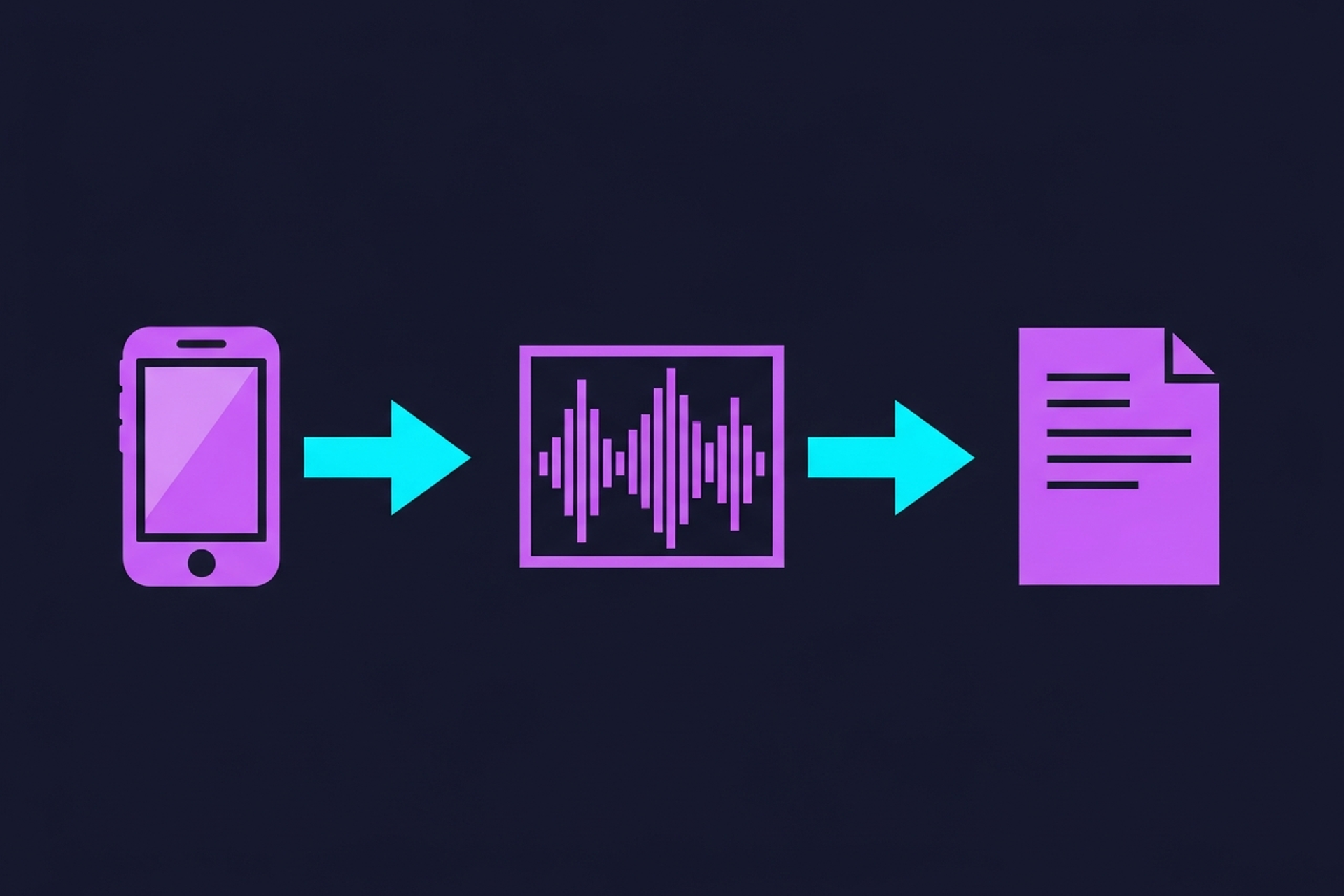

Every important call your team has is full of decisions, commitments, and context. Most of that information disappears the moment the call ends. Conference call transcription services solve that problem by turning spoken conversation into searchable, shareable text.
For B2B companies running podcasts, sales calls, client meetings, and internal strategy sessions, transcription is not a luxury. It is the foundation of any serious knowledge management or content repurposing operation. The challenge is that not all transcription services are equal, and the wrong choice costs you time and credibility.
This guide covers what to look for, how to evaluate accuracy, and which features actually matter for business use cases.
The basic function is simple: you upload an audio or video file (or connect a live meeting), and the service returns a text version of the conversation.
The differences between services emerge in the details:
These questions determine whether a transcription service fits into your workflow or creates more work than it saves.
Understanding the three service models helps you match the right tool to your use case.
Automated AI transcription. Services like Otter.ai, Fireflies, Descript, and Whisper-based tools use machine learning to transcribe audio in near real time. Accuracy has improved dramatically in recent years, with leading tools hitting 95 to 99 percent accuracy on clean audio from native English speakers. Speed is the main advantage: a 60-minute call can be transcribed in under two minutes. Cost is low, often a few dollars per hour of audio or a flat monthly subscription. The limitation is accuracy on difficult audio: heavy accents, multiple overlapping speakers, poor microphone quality, or heavy use of niche terminology.
Human transcription services. Services like Rev, Scribie, and TranscribeMe use trained human transcriptionists to produce highly accurate text. Accuracy is typically 99 percent or higher even on difficult audio. The trade-offs are speed (turnaround ranges from a few hours to a few days) and cost (typically $1 to $3 per audio minute, which adds up quickly for teams doing high volume).
Hybrid services. Some providers use AI for the initial pass and then apply human review to clean up errors. This approach balances speed and accuracy at a moderate price point. For business-critical content like legal proceedings, earnings calls, or formal interviews, hybrid transcription is often the right choice.
When comparing conference call transcription services, most review articles focus on brand names and feature lists. That is the wrong approach. Focus on these five criteria in order.
Benchmark accuracy claims are often measured on clean, studio-quality audio with single speakers and no background noise. Your conference calls look nothing like that. You have multiple speakers, remote participants with varying microphone quality, ambient noise, and people talking over each other.
Before committing to any service, run a test on actual recordings from your team. Use the same types of calls you will be transcribing in production. Compare the output. The accuracy difference between tools on real-world audio is often larger than the difference on benchmark tests.
Pay particular attention to how each service handles:
A transcription tool that lives in isolation creates manual work. The best conference call transcription services integrate directly with the platforms your team already uses.
For sales teams, that means Salesforce or HubSpot CRM integration so call transcripts are automatically attached to contact and deal records. For podcast teams, it means integration with your DAW, hosting platform, or CMS. For meeting-heavy organizations, it means native integration with Zoom, Google Meet, or Microsoft Teams.
Integrations eliminate the upload-download-copy-paste loop that makes manual transcription workflows so painful. Check not just whether an integration exists but how well it works: does it sync automatically, or does someone have to trigger it manually each time?
Diarization is the ability to identify and label different speakers in a recording. It is essential for conference calls because otherwise you get a single block of undifferentiated text. A transcript that labels each speaker separately is dramatically more useful than one that does not.
Quality of diarization varies significantly between tools. Test specifically for calls with three or more speakers, calls where people interrupt each other, and calls with speakers who have non-American accents. Those are the conditions that expose diarization weaknesses.
Raw transcripts have limited business value unless you can find information inside them quickly. The best transcription services let you search across all transcripts simultaneously, which turns your library of calls into a searchable knowledge base.
Additional organizational features to look for:
This matters more than most evaluations acknowledge. When you upload conference call recordings to a transcription service, you are handing that provider access to sensitive business conversations. Understand their data practices before you commit.
Questions to ask:
For healthcare, finance, and legal organizations, these questions are not optional. Even for general B2B teams, data hygiene on call recordings matters for client confidentiality.
If you are running a B2B podcast, conference call transcription is not just about meeting records. It is the starting point for your entire content repurposing workflow.
Every episode transcript you produce is raw material for blog posts, show notes, social clips, email newsletters, and LinkedIn content. The quality of that downstream content depends directly on the quality of your transcript.
For podcast-specific transcription needs, accuracy on longer-form audio (45 to 90 minutes), reliable speaker attribution, and output format options (plain text, SRT, VTT, DOCX) matter most. You also want the ability to edit the transcript within the tool before exporting, since you will almost always want to clean up verbal filler and transcript errors before building blog content from it.
Our guide to how to get podcast transcripts covers the full workflow for podcast-specific transcription. For tools that automate the entire repurposing step after transcription, see the podcast content repurposing tools complete guide.
Transcription pricing generally follows one of three models.
Per-minute pricing: Typically $0.25 to $3.00 per audio minute depending on whether you are using automated or human transcription. Good for teams with variable volume. Can get expensive for high-volume use.
Monthly subscription: Fixed monthly fee for a set number of hours or unlimited transcription within usage tiers. Most AI-powered tools use this model. Good for teams with consistent, predictable volume.
Enterprise contracts: Custom pricing for large organizations with high volume, compliance requirements, or need for dedicated support. Includes SLAs and often includes professional services for implementation.
For most B2B teams doing moderate call volume, an AI-powered subscription tool in the $20 to $50 per user per month range provides the best value. For legal, medical, or high-stakes content where accuracy is critical and the cost of errors is high, human transcription or hybrid services are worth the premium.
Conference call transcription services are mature, affordable, and genuinely useful. The market leaders have all closed most of the gap on raw accuracy for clean audio. The differentiation now lives in integrations, organizational features, speaker handling, and data security.
For B2B teams specifically, prioritize integrations with your CRM and calendar first. A tool that automatically transcribes and syncs every call without manual intervention will get used consistently. One that requires manual uploads will be abandoned by half your team within a month.
For podcast teams, pair your transcription tool with a repurposing workflow. See our best free transcription software comparison for budget-conscious teams and the audio to text transcription free guide if you are looking to minimize costs while getting started.
Need a podcast production team that handles transcription and repurposing end-to-end? Talk to Podsicle Media.





