
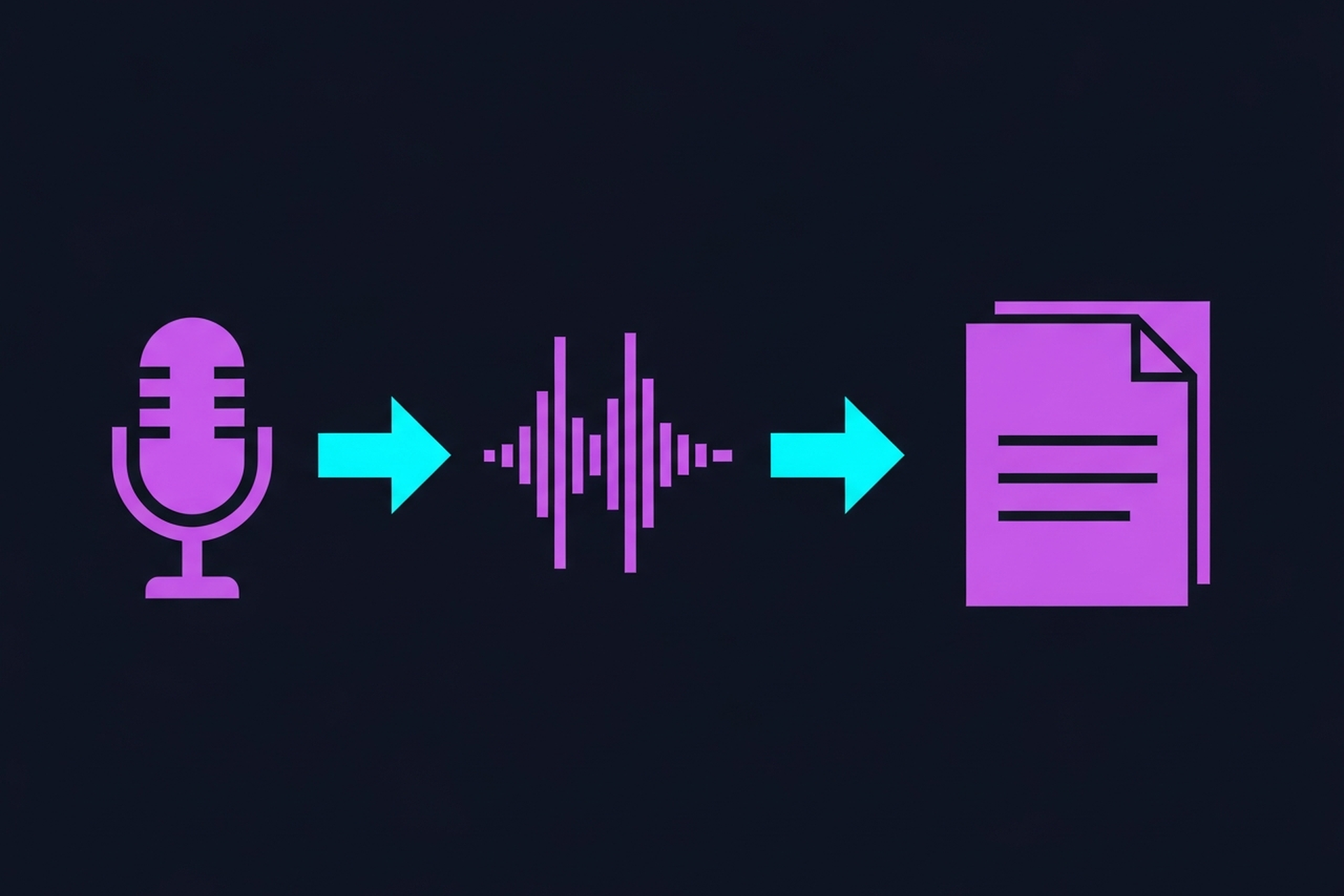

Transcription is one of the highest-leverage steps in a B2B podcast workflow. A full transcript of every episode unlocks a cascading set of content and operational benefits: blog posts derived from episode content, searchable archives of guest insights, show notes that take minutes to produce rather than hours, and SEO-friendly text content that makes your audio discoverable to people who would never search for a podcast.
For B2B teams, the question is not whether to transcribe (the answer is yes) but how. AI transcription, human transcription services, and hybrid approaches each have real tradeoffs in cost, accuracy, turnaround time, and workflow integration.
This guide walks through how transcription works, the tools available, and how to build a workflow that makes transcription a scalable part of your production process rather than an afterthought.
A transcript is a text document that represents what was said in an audio or video recording, with timing information, speaker labels, and enough accuracy to be used directly or edited into final form.
A production-quality transcript for a B2B podcast episode typically includes:
What transcription does not automatically produce: polished prose. A raw transcript captures the spoken word exactly, including filler words ("um", "uh", "you know"), false starts, incomplete sentences, and conversational meanderings that make sense when heard but look sloppy on the page. Editing a raw transcript into a blog post or article requires turning spoken language into written language, which is a separate step.
For show notes and internal search archives, lightly edited or even raw transcripts often serve the purpose. For published blog posts or long-form articles, more substantial editing is required.
AI transcription has improved dramatically over the past several years and is now the standard starting point for most podcast production workflows. The best AI tools in 2026 produce transcripts with accuracy rates of 90–97% on clean audio, at a fraction of the cost and turnaround time of human transcription.
Otter is one of the most widely used AI transcription tools and has a solid free tier. It handles real-time transcription (useful for live meetings and interviews) as well as file upload transcription. Speaker identification has improved significantly and works reliably when there are distinct voice differences between speakers.
Otter integrates with Zoom and Google Meet, which makes it practical for B2B teams conducting remote podcast interviews on those platforms. The transcript can be auto-generated alongside the recording.
The accuracy tier: Otter performs well on clear audio with minimal background noise. Accuracy degrades with heavy accents, technical jargon, or overlapping speech.
Descript's transcription is tightly integrated with its editing workflow. When you import audio, Descript generates a transcript and syncs it to the waveform. Editing the text edits the audio: delete a word from the transcript, and the corresponding audio is cut.
For B2B podcast teams, Descript's approach is one of the most efficient paths from recording to edited transcript. Filler words ("um", "uh") can be removed automatically. The transcript is immediately usable as a show notes draft, clip identification tool, and blog post starting point.
Descript's transcription accuracy is competitive with other AI tools and benefits from context: because the transcription is aligned with the audio, correcting errors is fast (you hear the audio while reading the text).
OpenAI's Whisper model is an open-source transcription engine with accuracy that competes with or surpasses many commercial tools, particularly on technical and industry-specific vocabulary. Teams with technical resources can run Whisper locally; several commercial tools (including Descript) use Whisper or Whisper-derived models under the hood.
For B2B podcasts in specialized industries, finance, healthcare, software, legal, Whisper often handles domain-specific terminology better than tools trained on more general datasets. If your show uses a lot of industry jargon that standard AI tools mangle, testing Whisper via a tool like Whisper Web or a hosted API endpoint is worth doing.
Riverside includes transcription in its recording platform, generating a transcript of each session automatically after recording ends. For teams already using Riverside for remote recording, this creates a clean workflow: record the episode, get the transcript, use it for show notes and clip identification, all within the same platform.
The accuracy is solid for standard interview-format conversations. For teams that already pay for Riverside's recording features, the built-in transcription removes the need for a separate tool.
Human transcription services employ trained transcriptionists to produce highly accurate transcripts, typically with fast turnaround options (same-day or next-day) at higher cost than AI tools.
Human transcription services typically charge $0.75–$2.00 per minute of audio depending on turnaround time and accuracy guarantees. An average 45-minute episode costs $35–$90 for human transcription. AI tools typically cost $0.006–$0.015 per minute or operate on flat monthly subscription rates.
For most B2B podcast teams producing clean interview audio, the accuracy gap between AI and human transcription has narrowed to the point where AI with light editing produces acceptable output at a fraction of the cost.
The most efficient workflow for B2B podcast teams is typically AI-first with selective human review:
This approach captures the cost and speed advantages of AI while adding human quality control where it matters most.
AI transcription accuracy is primarily a function of audio quality. The factors that most affect accuracy:
Recording quality: Clean audio with minimal background noise, clear vocal levels, and no heavy compression produces significantly more accurate transcripts. This is another reason proper recording setup matters downstream. Poor recording not only requires more editing; it also degrades transcription accuracy.
Number of speakers: Transcription tools handle single-speaker audio most accurately. Two-speaker conversations are generally fine. Three or more speakers, particularly when voices are similar, challenge speaker identification.
Accents and dialects: AI models trained predominantly on standard American or British English perform less reliably on strong regional accents. This is improving with model updates, but remains a practical consideration for international B2B podcasts.
Technical vocabulary: Standard AI models are trained on general language data. Industry-specific terminology, acronyms, and proper nouns are common accuracy failures. Providing a glossary or vocabulary list to human transcriptionists, or fine-tuning a model like Whisper on domain-specific vocabulary, improves this.
Practical improvement: If you are using Otter.ai, you can add custom vocabulary in settings. Most professional transcription services allow you to provide a glossary of terms with unusual or technical spellings.
Whisper does not inherently include speaker labels. Post-processing tools like pyannote.audio can add speaker diarization if needed.
For B2B podcast teams, transcription is not just an accessibility or SEO checkbox; it is a content multiplier. A single recorded episode, once transcribed, becomes the raw material for:
Show notes: Pull the key takeaways, timestamps, and notable quotes from the transcript. A 45-minute episode has enough material for substantive show notes in 15–20 minutes when working from a clean transcript.
Blog posts: A well-conducted interview on a specific topic can be repurposed into a 800–1,200 word blog post with light editing. The transcript provides the structure, the quotes, and the insights. The editor's job is to clean up spoken language into readable prose and add context.
Social clips identification: Reading a transcript to find the best 60–90 second clips for social media is faster than scrubbing audio. Once you identify the timestamps, extract those segments in your editing software.
Internal knowledge base: For companies that interview clients, experts, or thought leaders, a searchable archive of transcripts creates an internal library of insights that can inform product decisions, content strategy, and sales conversations.
For a full breakdown of the repurposing workflow, the podcast content repurposing tools guide covers the end-to-end process.
Search engines cannot index audio content. A podcast episode with no accompanying text is invisible to Google. A published transcript, even as a supplemental page or show notes, makes the episode's content crawlable and indexable.
For B2B companies publishing podcast content as part of an SEO strategy, transcripts directly support keyword visibility. An episode covering a specific industry topic becomes a text asset that can rank in search results, bringing organic traffic to your site from people who would never search for a podcast directly.
The most effective approach: use the transcript to inform a dedicated blog post for each episode rather than publishing the raw transcript. A polished article based on the episode content performs better in search than a raw transcript, which often reads awkwardly. The transcript is the raw material; the blog post is the optimized output.
For more on how transcription fits into the broader repurposing workflow, see the how to repurpose podcast content guide. Since recording quality directly determines transcription accuracy, choosing the right recording app and understanding the fundamentals of clean audio capture both pay dividends downstream.
For B2B teams publishing consistently, transcription should be a built-in step in the production process, not something added ad hoc. A scalable approach:
If your B2B podcast production is managed by a done-for-you service, confirm that transcription and show notes are included in the scope. At Podsicle Media, transcription and show notes generation are part of the standard production deliverables. For more on what full-service podcast production includes, see the podcast transcription services guide.
AI transcription is fast, affordable, and accurate enough for most B2B podcast use cases. The workflow is straightforward: record, upload, review, use. Human transcription is the right choice for high-stakes accuracy requirements or difficult audio conditions.
The bigger point: if you are publishing a B2B podcast and not transcribing your episodes, you are leaving significant value on the table. Transcripts unlock search visibility, content repurposing, internal knowledge management, and accessibility, all from a step that takes minutes with the right tools in place.
Start with one episode and one AI tool. The value becomes obvious immediately.





