
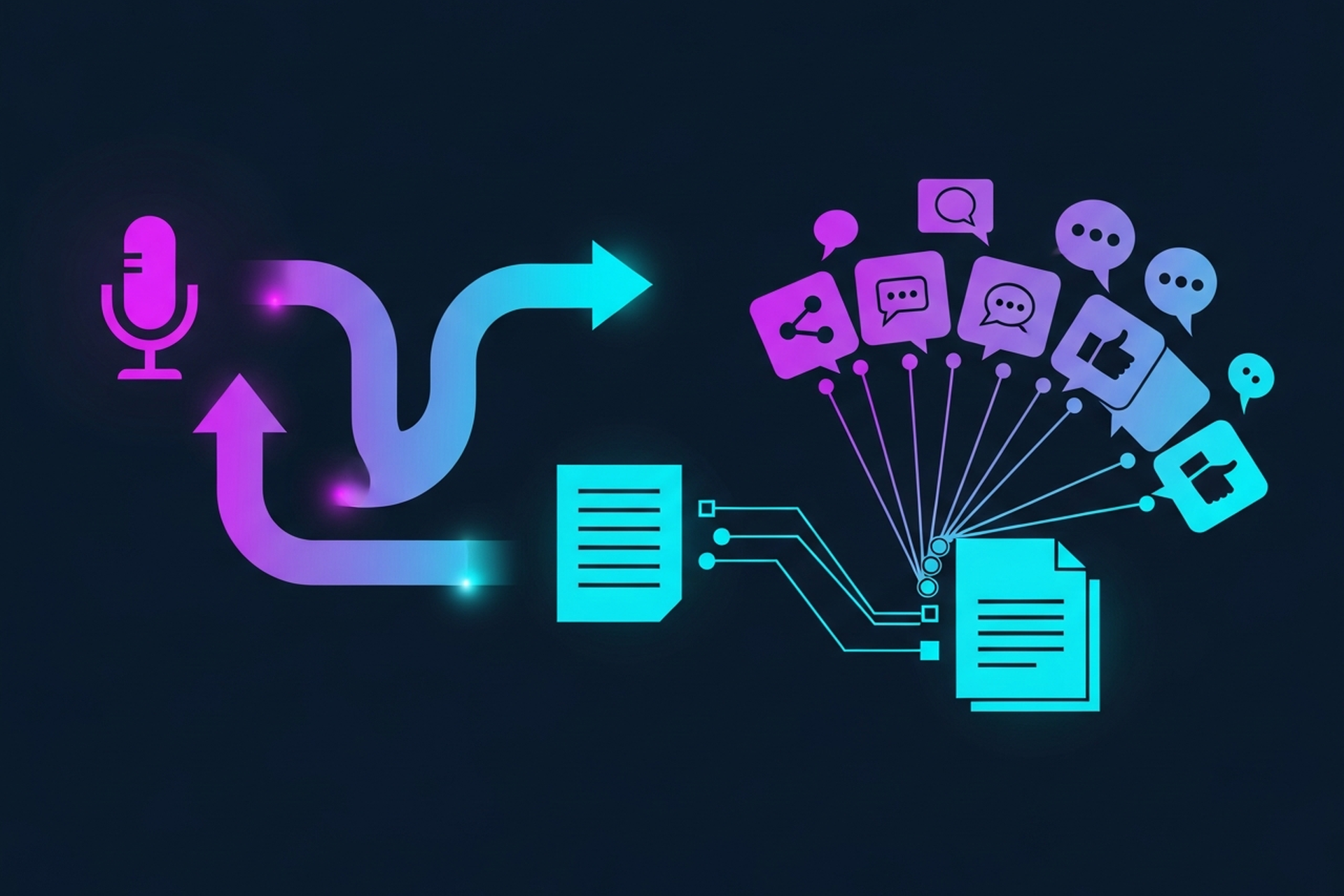
Interview transcription is the unlock most B2B marketing teams are sitting on without realizing it. Every recorded interview your team does, whether it is a guest podcast, a customer story, or a thought leadership conversation, contains more reusable content than you could publish in a month. The problem is that it is trapped in an audio file.
This guide covers the full workflow: why transcription matters for B2B content programs, how to get a clean, usable transcript, which tools are worth your time, and exactly how to turn raw interview text into blog posts, social quotes, and sales assets.
B2B marketing teams are under constant pressure to produce more content with flat or shrinking resources. Most respond by writing more from scratch. That is the hard way.
Your interviews already contain the insights. A 45-minute conversation with a customer, partner, or industry expert is dense with quotable moments, specific examples, and sharp opinions. Audio transcription turns that conversation into a searchable, editable, repurposable text asset you can use across every channel.
Here is what one interview transcript can feed:
None of this requires extra interviews or extra budget. It requires a clean transcript and a clear system for extracting value from it.
There are two ways to get a transcript: manually (a human types it) or automatically (AI speech-to-text does the work). Both have a place.
Manual transcription is slower and more expensive, averaging $1 to $2 per minute through services like Rev's human transcriptionists. But it delivers near-perfect accuracy, correct punctuation, and clean speaker labels with no cleanup required. For legal, compliance, or high-stakes sales recordings, manual is worth the cost.
Automated transcription is fast, cheap, and accurate enough for most B2B podcast workflows. Modern AI transcription tools hit 95 to 99 percent accuracy on clean audio. That leaves enough errors to require a brief editing pass, but nowhere near the effort of typing from scratch. For a 40-minute interview, most teams spend 15 to 20 minutes cleaning an automated transcript versus two or more hours typing manually.
For B2B podcast content programs producing regular volume, automated transcription wins on economics. The workflow looks like this: record, upload, let the tool run, do a fast cleanup pass, then hand the clean transcript to your content team.
Raw transcripts from automated tools need work before they are useful. Here is what to focus on:
Speaker labeling. Most tools will label speakers as "Speaker 1" and "Speaker 2." Replace those with actual names immediately. A transcript labeled "Host: …" and "Guest: …" is 10 times easier to repurpose than one with generic labels. If your tool supports pre-labeled speaker profiles, set those up before you upload.
Filler word removal. "Um," "uh," "you know," and "like" are normal in speech but cluttering in written form. Either use your transcription tool's built-in filler word filter or do a quick find-and-replace pass. Do not over-sanitize: removing filler words is fine, but keep the speaker's natural phrasing and cadence.
Paragraph breaks and formatting. Automated transcripts often produce one giant wall of text per speaker turn. Break it into readable paragraphs. A good rule of thumb: a new paragraph every time the speaker shifts topic or completes a distinct thought.
Terminology correction. B2B interviews contain product names, acronyms, and industry jargon that speech-to-text models get wrong. A custom vocabulary list in your transcription tool helps prevent these errors upfront. Without one, a quick scan for brand and product names catches most issues.
Timestamps. Keep timestamps in your working transcript even if they do not appear in the final output. They let you jump back to the source audio when a quote needs to be verified or clipped.
The right tool depends on your volume, workflow, and how much cleanup time you can absorb.
Descript is the strongest all-in-one option for teams that want to edit audio by editing text. You delete a sentence from the transcript and the corresponding audio is removed automatically. Filler word removal is one click. It handles video transcription just as well as audio, which matters if your B2B interviews also go out as video content. Plans start around $24 per month.
Otter.ai is solid for live meeting and interview capture. It connects directly to Zoom and records in real time, which removes the upload step entirely. Accuracy is slightly below Descript or Sonix on pre-recorded audio, but the live-capture convenience makes it a strong pick for teams whose interviews happen in video calls.
Sonix is a production favorite for podcast teams running volume. Accuracy hits 95 to 99 percent on clean audio, speaker diarization is reliable, and the in-browser editor is fast. Export options include TXT, DOCX, SRT, and PDF. Pricing runs around $0.23 per minute on subscription, which stays under $40 per month for a weekly 40-minute episode.
Whisper (OpenAI) is a free video transcription and audio transcription option that runs locally or via API. Accuracy is strong across languages and accents, and because it is open source, there are no per-minute fees. The tradeoff: it requires technical setup and does not include a built-in editor or speaker diarization out of the box. Best for teams with technical resources who want cost-zero transcription at volume.
For a deeper breakdown of these and other tools, check our guide on the best transcription software for podcasters and the free transcription software options that work for B2B teams on a budget.
Here is the end-to-end process that works for B2B content teams.

Step 1: Record well. Transcription accuracy scales with audio quality. Separate audio tracks per speaker, a decent mic, and a quiet room each add percentage points to your accuracy. For remote interviews, tools like Riverside or Zencastr record local audio from each participant, which produces cleaner per-speaker files than a single Zoom recording.
Step 2: Transcribe. Drop the file into your tool of choice. If you have a custom vocabulary list with your brand names and industry terms, make sure it is active before you run the job. Turnaround on automated tools is typically two to five minutes for a 45-minute file.
Step 3: Clean up. Run through the transcript once. Fix speaker labels, remove filler words, break up paragraph walls, and correct any terminology errors. This pass should take 15 to 20 minutes for a clean recording.
Step 4: Store it. Save the clean, formatted transcript as your content asset. This is the source file everything else derives from. Name it clearly (client name, date, topic) and store it somewhere your whole team can access.
Step 5: Repurpose. Now the actual value creation starts.
A clean transcript is raw material. Here is how to turn it into specific outputs.
The transcript contains the structure of a post: a problem (why the interview happened), key insights (what the guest said), and actionable takeaways. Your job as the editor is to impose narrative shape on the conversation, not to add new information.
A practical method: read through the transcript and highlight the five or six most insight-dense exchanges. Those become your H2 sections. Write a brief intro framing the topic, pull the best quotes or paraphrase the key points under each section, and close with a summary or CTA. A 45-minute interview can produce a 1,200 to 2,000 word post in a couple of hours.
For more on structuring podcast content into SEO-ready posts, the podcast transcription services guide covers the full repurposing workflow.
Pull the five to eight sharpest quotes from the transcript, ones that make a clear point in two to four sentences. These are your LinkedIn posts, Twitter/X threads, and newsletter pull quotes. The best ones tend to be the moments where the guest makes a counterintuitive claim or shares a specific number.
Format matters: a quote pulled directly from transcript text often needs minor cleanup for readability. Removing filler words, completing a sentence fragment, or breaking a long quote into two shorter ones makes the difference between something shareable and something that reads like raw text.
Interview content is underused in B2B sales decks and outreach. Customer quotes with context are more credible than generic testimonials. Partner or analyst perspectives pulled from interviews add third-party weight to product messaging.
Build a quotes library from your transcript archive. Tag quotes by theme (product value, customer pain point, industry trend, competitive positioning) so your sales team can search and pull the right quote for the right conversation.
This one is often overlooked. B2B companies interview customers and industry experts who share insights that are just as valuable internally as they are for content. A searchable library of clean interview transcripts is a durable knowledge asset your team can reference when writing, pitching, or planning.
Publishing transcripts as-is. A raw transcript is not a blog post. Spoken language does not translate directly to readable prose. Always edit and reformat before publishing.
Skipping the cleanup pass. A 90 percent accurate transcript with speaker label errors and filler words is harder to repurpose than one that has been cleaned for 20 minutes. The cleanup step pays for itself quickly.
No storage system. Transcripts that live in individual tool accounts or personal folders are not accessible to your team and not reusable at scale. Treat your transcript archive like a content database.
Ignoring speaker consistency. Inconsistent speaker labels (sometimes "Guest," sometimes "Sarah," sometimes "Speaker 2") make transcripts hard to scan. Set a naming convention and enforce it.
The math on interview transcription is straightforward. A B2B podcast team producing two episodes per month, each 40 minutes long, generates 80 minutes of source audio. At $0.23 per minute with automated tools, that is under $20 per month in transcription costs.
From those two episodes: four to six blog posts, 10 to 16 social quotes, a handful of sales-ready customer quotes, and a newsletter-ready takeaway section. If your content team bills at $75 to $100 per hour, the transcription step alone is returning 10 to 20 times its cost in production efficiency.
That is before you factor in the SEO value of long-form posts, the sales impact of strong quotes, or the compounding effect of a searchable transcript archive over time.
Interview transcription is not a nice-to-have for B2B marketing teams running podcasts. It is the core infrastructure that makes everything else work.
Ready to build out your transcription workflow? Start by testing the tools above on a recent episode, or browse our full comparison of best transcription software for podcasters to find the right fit for your team's volume and budget.
If you want help setting up a transcription and repurposing system for your B2B podcast, get in touch with Podsicle Media.





